

CleverTap WhatsApp Integration
Integrate CleverTap with DoubleTick to send WhatsApp messages, manage templates, and receive delivery and inbound message events seamlessly.
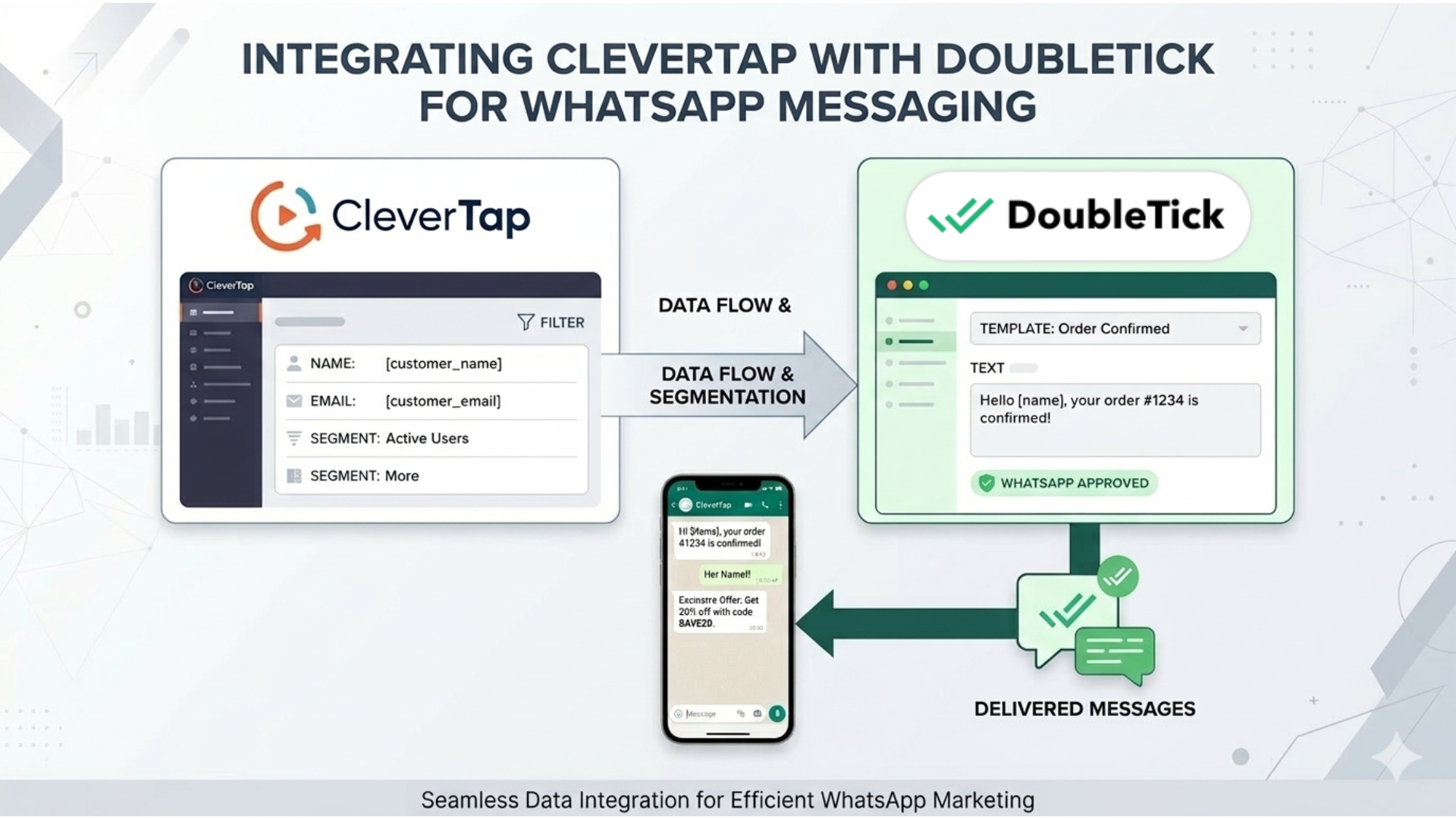
This integration allows CleverTap to:
- Send WhatsApp messages using DoubleTick
- Import WhatsApp message templates
- Receive message delivery updates
- Receive replies from customers
Prerequisites
Before starting the integration, make sure you have:
- An active DoubleTick account
- Your DoubleTick API Key
- Your WABA Number (WhatsApp Business Account number configured in DoubleTick)
- Access to CleverTap Dashboard
NOTE
If you do not have your DoubleTick API Key, you can obtain it by following this guide:
https://docs.doubletick.io/docs/quickstart-guide#step-2-generate-your-api-key
Step 1: Configure WhatsApp provider in CleverTap
- Login to your CleverTap Dashboard.
- Navigate to: Settings → Channels → WhatsApp → WhatsApp Connect
- Click + Provider Configuration button.
- Configure the provider with the following details:
| Field | Value |
|---|---|
| Provider | Generic (Other) |
| Mobile Number | WABA Number |
| HTTP Endpoint | https://public.doubletick.io/whatsapp/message/clevertap |
Add Authorization Header
Under Headers, add the following:
| Key | Value |
|---|---|
| Authorization | doubletick-api-key |
IMPORTANT
The Authorization header must contain your DoubleTick API Key.
This allows CleverTap to securely send WhatsApp requests through DoubleTick.
Step 2 — Configure template import
To allow CleverTap to fetch and sync WhatsApp templates from DoubleTick, enable Template Import Setup.
- Check the option Template Import Setup.
- Configure the following endpoint:
https://public.doubletick.io/templates/import?wabaNumber=919999999999
- Add the same header used earlier:
| Key | Value |
|---|---|
| Authorization | doubletick-api-key |
TIP
Make sure the WABA number entered in the URL matches the number configured in DoubleTick.
This ensures CleverTap imports the correct WhatsApp templates.
Step 3 — Send a test WhatsApp message
Once the provider configuration is complete:
- Click Send Test WhatsApp inside CleverTap.
- Make sure the chat window is open on the test number in DoubleTick.
- Verify that the message is successfully delivered.
If the configuration is correct, the message will be sent through DoubleTick.
TIP
Sending a test message helps confirm that the integration is correctly configured before launching campaigns.
Step 4 — Import WhatsApp Templates in CleverTap
Once the template import setup is configured, you need to import the approved templates into CleverTap.
- Go to Templates tab aside Setup tab of provider configuration.
- Click on Import Template button.
- Click Import to fetch all approved templates.
- All approved WhatsApp templates from DoubleTick will now be available in CleverTap.
IMPORTANT
Only approved WhatsApp templates associated with your WABA number will be imported into CleverTap.
Step 5 — Configure delivery report updates
CleverTap provides a Delivery Report Callback URL to receive delivery status updates.
- Copy the Delivery Report Callback URL from CleverTap.
- Open the DoubleTick Dashboard.
- Navigate to Webhooks.
- Create a new webhook.
- Paste the copied callback URL.
- Select the event related to Message Delivery Updates.

Step 6 — Configure incoming message updates
To allow CleverTap to receive replies from customers:
- Copy the Inbound Message Callback URL from CleverTap.
- Open the DoubleTick Dashboard.
- Navigate to Webhooks.
- Create a new webhook.
- Paste the copied callback URL.
- Select the event for Incoming Messages.

Integration Flow Overview
Once the setup is complete:
- CleverTap sends WhatsApp campaign messages.
- DoubleTick processes the request and delivers the message to the customer.
- Delivery status updates are sent back to CleverTap.
- Customer replies are forwarded to CleverTap through webhook callbacks.
This setup ensures CleverTap campaigns can track message delivery and customer responses while using DoubleTick as the WhatsApp messaging provider.
Updated 6 months ago